Portal Alive Kicking Alive Kicking on Steam Deck
Unknown at launch. Testers reported crashes before the vault.
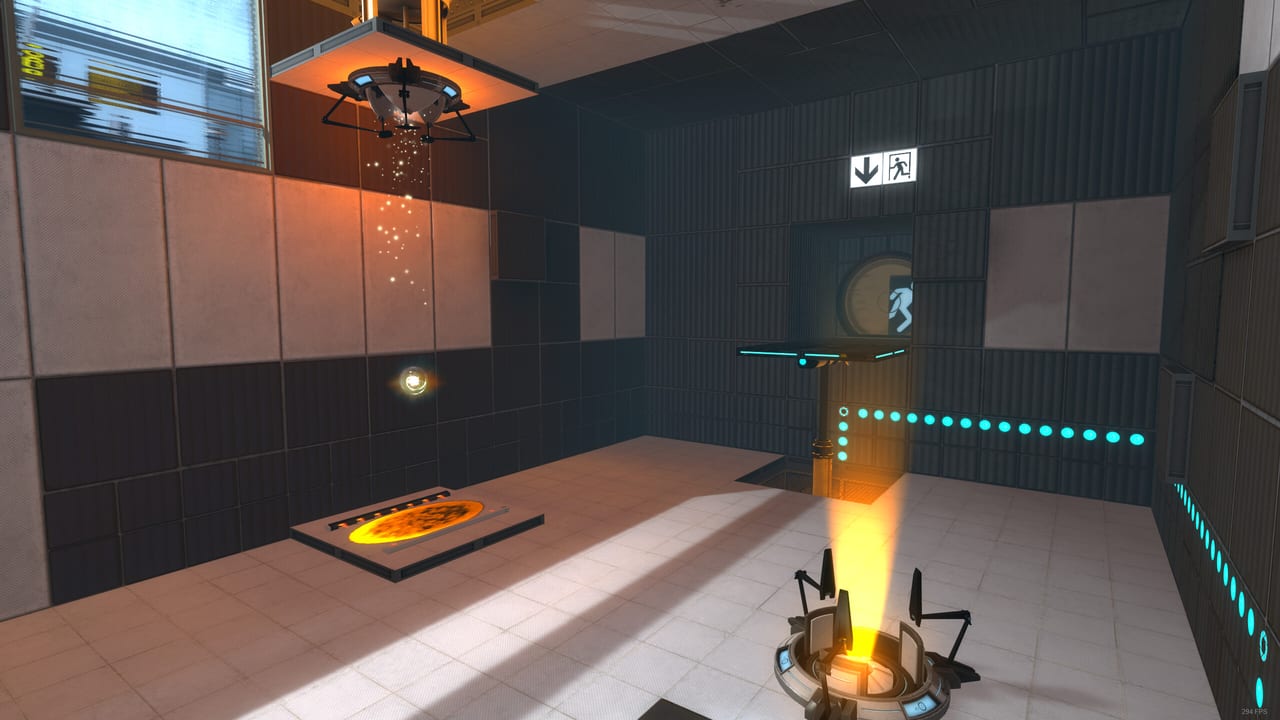
Steam listed Portal: Alive & Kicking’s Deck compatibility as Unknown on the store page. That is not “Verified” and it is not “Playable.” Hours after the 28 August 2026 release, a thread titled “Crash on boot on Steam Deck and likely Linux in general” sat on the board with no developer reply yet. This page is what that combination means for a handheld session.
The remake is a single-player Portal 2 mod. If Portal 2 itself is not installed in the same Steam library on the Deck, you will get the same startup_loading.vtf failure Windows users get. Read troubleshooting first. Deck-specific pain starts after both games occupy one microSD or one internal library.
What testers reported
- Boot crash on Steam Deck, described as likely Linux-wide.
- Separate Windows reports of a crash to desktop when the main menu loads. That one might overlap.
- Unknown Proton behaviour because the store had not finished a Deck verification pass on day one.
If your Deck never reaches the menu, you are in the reported majority, not in a unique brick. File a Steam support dump if you want, but do not factory reset the handheld for a Source mod.
Try this order (and stop if a step works)
- Install Portal 2 and Alive & Kicking into the same Steam library (internal or the same SD card). Mixed libraries on Deck are the same-drive bug in costume.
- In Desktop Mode, set Alive & Kicking to Proton Experimental, then Proton 9, then the version that currently runs Portal 2 for you. Do not use a Proton version that already fails Portal 2.
- Add
-threads 1in the game’s properties. Disable multithreaded rendering if you ever reach video options. That is the official Windows map-start workaround; it is cheap to try here. - Disable the Steam overlay for this title.
- Cap the frame rate at 60 in the Deck quick menu. Source mods from this era are not a 90 Hz showcase.
- If it still dies before the menu, play on Windows. That is a legitimate 1.0 answer, not a cop-out.
Do not install extra Portal 2 cinematic mods into the Deck’s Portal 2 prefix. The developers already warned those leftovers disrupt the remake.
Controls on a handheld
Steam advertised full controller support and Xbox controllers. The Deck’s buttons can run a Portal 2 template:
- Triggers for blue / orange portals
- A jump, X use, Y zoom, B crouch
- Right pad or gyro for look
Gyro is optional. Chamber 18 does not want a drifting yaw. Calibrate or turn gyro off before you take the walkthrough into late tests. Keyboard binds stay on the controls page if you dock.
Touch trackpads work for portal placement if you slow down. They are worse than a mouse for pellet catchers. If Chamber 17’s catcher already softlocks on desktop, a Deck session will not be kinder — see known issues.
Performance expectations
This is Portal 2 lighting on Portal 1 rooms. On a verified Portal 2 install the Deck is fine. Alive & Kicking should be similar if it boots. TDP 7–10 W, 60 fps, and medium settings are the adult target. Do not chase ultra textures while the compatibility flag is still Unknown.
Battery: a campaign to GLaDOS is a couple of hours, not a live-service grind. Plan a charge before the escape so a low-power throttle does not look like a new puzzle.
Linux desktops
The same boot crash thread blamed Linux in general. Arch, Proton, and native Source 2011 experiments are on you. This wiki will not publish a fake “verified on CachyOS” line. If a future release notes patch mentions Linux, we will update this page. Until then, Windows is the supported client in the store spec (Windows 10, DirectX 9.0c).
When the Deck is the wrong machine
If you want a clean first run of a fourteen-year remake on launch weekend, use a Windows PC that already runs Portal 2. Come back to the Deck after a patch, after Proton reports, or after Steam changes Unknown to Playable. The cubes will wait. They are single-player cubes. Nobody else is picking them up.
For install on the PC you will actually finish, return to getting started. For language on any device, see language settings.
Frequently Asked Questions
Quick answers for testers stuck in Aperture.
Is Alive & Kicking Verified on Steam Deck?
No. The store listed compatibility as Unknown at launch, and testers reported boot crashes.
Do I still need Portal 2 on the Deck?
Yes. Both games must live in the same Steam library or you get the missing background image error.
Which Proton version should I use?
Start with whatever already runs Portal 2 for you, then Experimental. There was no official Proton pin on day one.
Can I play with a friend on Deck?
No. The remake is single-player on every device.