Portal Alive Kicking troubleshooting
Same drive, one thread, no leftover Portal 2 mods.
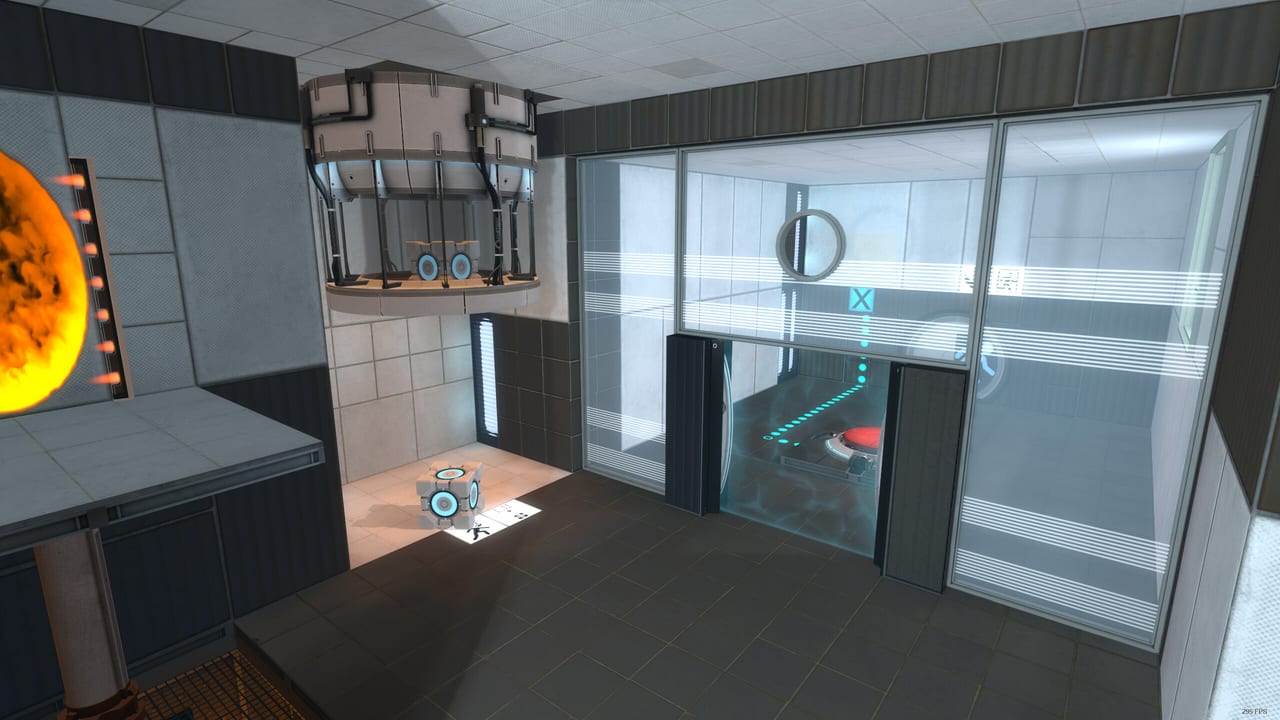
Most Portal: Alive & Kicking “bugs” on 28 August 2026 were install bugs. Rhubarb & Rhubarb pinned the two official ones in the release announcement. Everything else on this page is what testers added in the first hours: finicky saves, a map you should not open, and mods that poison Portal 2’s folder. If you have not installed yet, start with getting started. This page assumes Steam already thinks the remake is downloaded.
”Can’t find background image materials/console/startup_loading.vtf”
Official text: you need to install the mod on the same drive as Portal 2. In practice that means the same steamapps library folder. Steam can keep games on C: and D:. If Portal 2 is on D:\SteamLibrary\steamapps and Alive & Kicking landed in C:\Program Files (x86)\Steam\steamapps, the menu looks for a Portal 2 material and dies.
Fix:
- Steam → Settings → Storage. Note which drive holds Portal 2.
- Move Alive & Kicking to that same library, or move Portal 2 to the library that holds the remake.
- Let Steam finish moving. Launch the remake, not
portal2.exe.
Reinstalling only the remake does nothing if the drive split remains. Reinstalling Windows is not a step.
The game closes when a map starts
Official text: you may need to run with -threads 1 and turn off Multithreaded Rendering. The developers called it a rare crash they had not reproduced locally.
Fix:
- Steam → Portal: Alive & Kicking → Properties → Launch Options → add
-threads 1. - Boot to the menu if you can, open Video options, disable multithreaded rendering.
- If the menu itself never appears, add the launch option first, then try again.
Put the flag on this app, not on Portal 2. They do not share launch options.
Extra Portal 2 mods
Official text: mods placed in the base Portal 2 directory may break or disrupt Alive & Kicking. Cinematic packs, custom HUDs, and leftover custom folders are the usual suspects.
Fix: temporarily rename Portal 2’s portal2/custom folder, verify Portal 2 files, then launch the remake. Play this campaign vanilla. Put the cinematic pack back when you return to Portal 2 proper.
Download button missing
Launch morning: some people could not download. The developers said they were checking with Steam and suggested wishlisting the game, then downloading and launching from that path. If the store page still looks empty, you are not crazy. Try the wishlist entry, the library search box, and a Steam client restart before assuming the app is region-locked.
Saving feels wrong
Testers said saving is finicky. Treat it as true until a patch lands (watch known issues).
- Manual save at every chamberlock, especially before 17 and 18.
- Keep two rotating saves so a corrupt file does not eat the weekend.
- If a load drops you into a Chamber 17 pellet softlock or a Chamber 18 cube trap, load the older file. Those softlocks are gameplay states, but a bad save makes them permanent.
Quick save / quick load binds are listed on controls if you enabled them.
Do not open achieve.bsp
A launch-day thread title is the whole guide: don’t. If you are hunting achievements, play the campaign and the advanced chambers. Console-loading random maps in a Source mod is how you skip the story and brick a save.
Crash to desktop at the main menu
Separate from the map-start close. Try in this order: verify game files, same-drive check, disable overlay, run windowed, then -threads 1. If you are on Linux or Deck, stop here and open the Steam Deck page. That crash was reported as likely Linux-wide at launch.
After it finally runs
You do not need more launch options. You need how to play and the walkthrough. If language is the remaining complaint, use language settings. If you want the list of chamber bugs rather than install bugs, use known issues.
Alive & Kicking is single-player. These fixes get one gun in one vault. They will not add a second player, and they will not replace Portal 2 on a second drive.
Frequently Asked Questions
Quick answers for testers stuck in Aperture.
What is startup_loading.vtf?
A Portal 2 menu material. The remake cannot find it unless both games sit in the same steamapps folder on the same drive.
Where do I put -threads 1?
In Alive & Kicking's Steam launch options, plus disable multithreaded rendering in video settings.
Will deleting Portal 2 mods break Portal 2?
Renaming the custom folder is enough. Verify Portal 2 files if you want a clean restore.
Is this a two-player install problem?
No. The remake is single-player. A second player is not available regardless of folders.