Portal Alive Kicking controls
Blue, orange, use, jump — the Source binds the remake inherits.
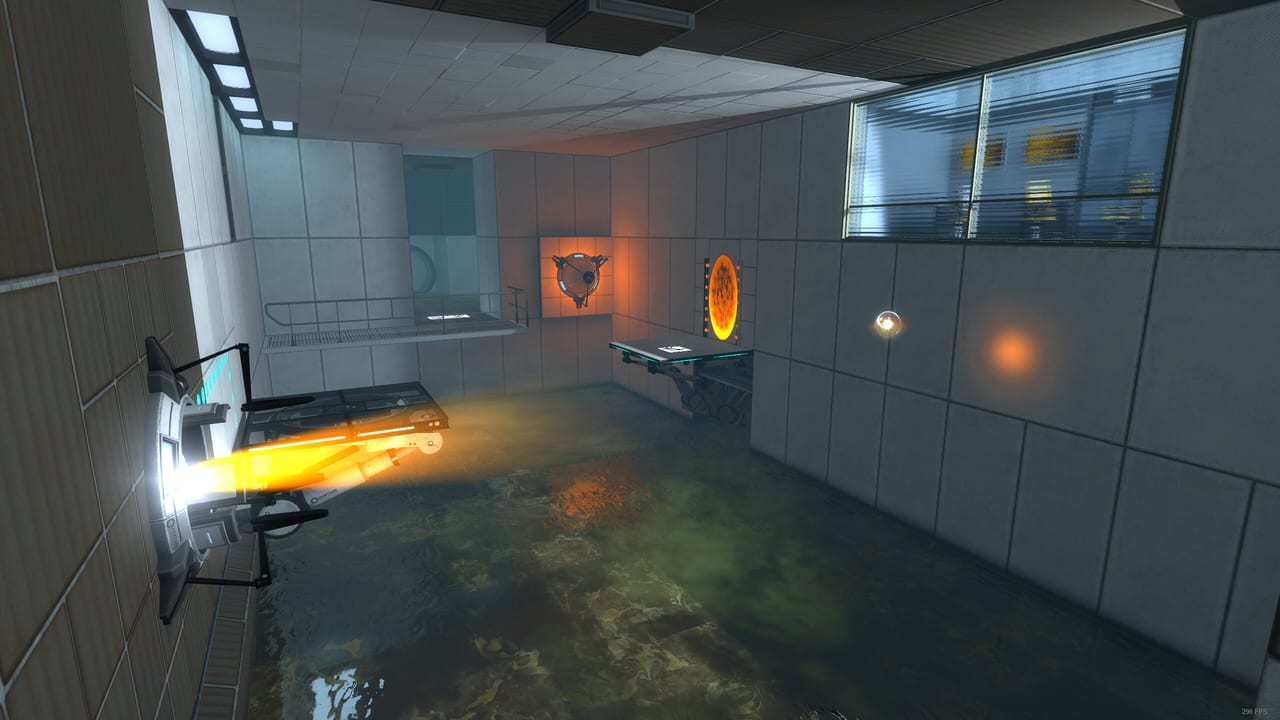
Portal: Alive & Kicking runs on the Portal 2 branch of Source, so the gun in your hands is bound like Portal 2, not like a modern live-service shooter. If you rebind nothing, left click is the blue portal, right click is the orange portal, and E picks up the cube you are about to drop into a pit. This page is the default map, the binds that matter for flings, and the controller notes Steam advertised as full support.
Default keyboard and mouse
| Action | Default |
|---|---|
| Move | W A S D |
| Jump | Space |
| Crouch | Ctrl |
| Walk | Shift |
| Primary portal (blue) | Mouse 1 |
| Secondary portal (orange) | Mouse 2 |
| Use / pick up / drop | E |
| Zoom | F |
| Pause / menu | Esc |
| Quick save / load | F6 / F7 (if enabled in keyboard options) |
The portal gun has no reload and no iron sights. Zoom exists so you can place a portal on a distant white panel without guessing. Crouch is for low windows and for surviving a bad landing after a long fling. Walk is almost never required except when you want to creep past a turret’s initial scan.
Rebind at your own risk. Several launch-week reports of finicky saves are easier to debug if your keys still match a guide. If you do rebind, keep portal fire on the mouse. Flinging while a blue portal is on Q is how people miss Chamber 13’s timing.
What the gun will not do
You cannot fire through an emancipation grill. You cannot place a portal on dark metal, glass, water, or the black frames between panels. You cannot have two blues. Placing a new blue deletes the old blue. The same rule applies to orange. That is the entire magazine.
Pickup range is short. If E does nothing, walk closer. Cubes, spheres, and the companion cube all use the same use key. Dropping a cube through a grill vaporizes it; the chamber will usually respawn another. Turrets also respond to use if you pick them up and place them face-down, which is the polite alternative to knocking them over with a cube.
Controller
Steam lists full controller support and Xbox controllers. On a pad, the typical Portal 2 layout is:
- Left stick move, right stick look
- Right trigger blue portal, left trigger orange
Ajump,Bcrouch,Xuse,Yzoom (or a bumpers-as-portals variant if you remapped in Steam Input)
Because Alive & Kicking is a Source mod, Steam Input can apply a Portal 2 template. If a trigger does nothing, open Steam’s controller configurator for this app, not for Portal 2. The two apps do not share binds.
Gyro aim on Steam Deck is tempting and unstable. If you are already fighting the Steam Deck boot crash, get a keyboard session working first. Fine portal placement on Chamber 18 is miserable with an uncalibrated gyro.
Movement habits that solve puzzles
Flinging is not a special button. You fall into a portal on the floor and leave through a portal on a wall. Speed in equals speed out. Holding jump as you exit can add a small hop, but the height mostly comes from the fall. See how to play for the physics lecture; this page only cares that you did not bind jump to a hold-to-sprint key.
Air strafing exists because this is Source. You can nudge a fling left or right by holding A or D on the way out. You cannot change the speed mid-air except by hitting another portal. If a walkthrough says “fling twice,” it means two floor-to-wall shots, not a double jump.
Looking down while falling into a floor portal is optional flavour. Looking at the exit so you can fire the next portal in the air is not optional in later chambers.
Accessibility and captions
Steam lists captions and subtitle options. GLaDOS is the tutorial. If you play muted, turn captions on before Chamber 00. The jokes double as instructions: the grill vaporizes cubes, the button wants a cube, the pellet wants a catcher.
Colour: portals are blue and orange by default. If you recolour them in a Source config for colour vision, keep a high-contrast pair. The how to play page assumes factory colours when it says “put blue on the floor.”
Launch options that are not keybinds
-threads 1 is not a control, but it belongs next to your bind discussion because it is the official workaround when a map starts and the process dies. Add it in Steam → Alive & Kicking → Properties → Launch Options, then also disable multithreaded rendering in video options. Details sit in troubleshooting.
Do not bind a key to map achieve or open achieve.bsp. Community posts on launch day said leave that file alone.
Practice routine
Spend two minutes in Chamber 02 after you receive the gun:
- Blue on the wall, orange on the floor, walk through, confirm you pop out standing.
- Reverse them, drop through the floor portal, confirm a fling.
- Pick up the cube with
E, carry it through a portal, drop it on the button. - Zoom with
Fat a far panel, place a portal, un-zoom.
If those four actions feel automatic, you are ready for the walkthrough. If they do not, stay in how to play until they do. The getting started guide is only for install; this page is for the hands.
Controller users should repeat the same four actions before Chamber 06. Trigger swap (orange on the right trigger) is a preference, not a requirement. Pick one and keep it through GLaDOS so muscle memory survives the escape.
Frequently Asked Questions
Quick answers for testers stuck in Aperture.
Which mouse button is the blue portal?
Left click is blue (primary), right click is orange (secondary) on the default Source layout.
How do I pick up a cube?
Walk up to it and press `E`. Press `E` again to drop. The same key opens doors and buttons that are not floor plates.
Is there a sprint key?
No dedicated sprint. You always move at Chell's test-subject pace. `Shift` walks slower.
Can I use a controller?
Yes. Steam lists full controller support. Map the Portal 2 layout in Steam Input if triggers do not fire portals.