Portal Alive Kicking Alive Kicking language settings
English voice on the store page. Captions, Steam, and what Portal 2 cannot donate.
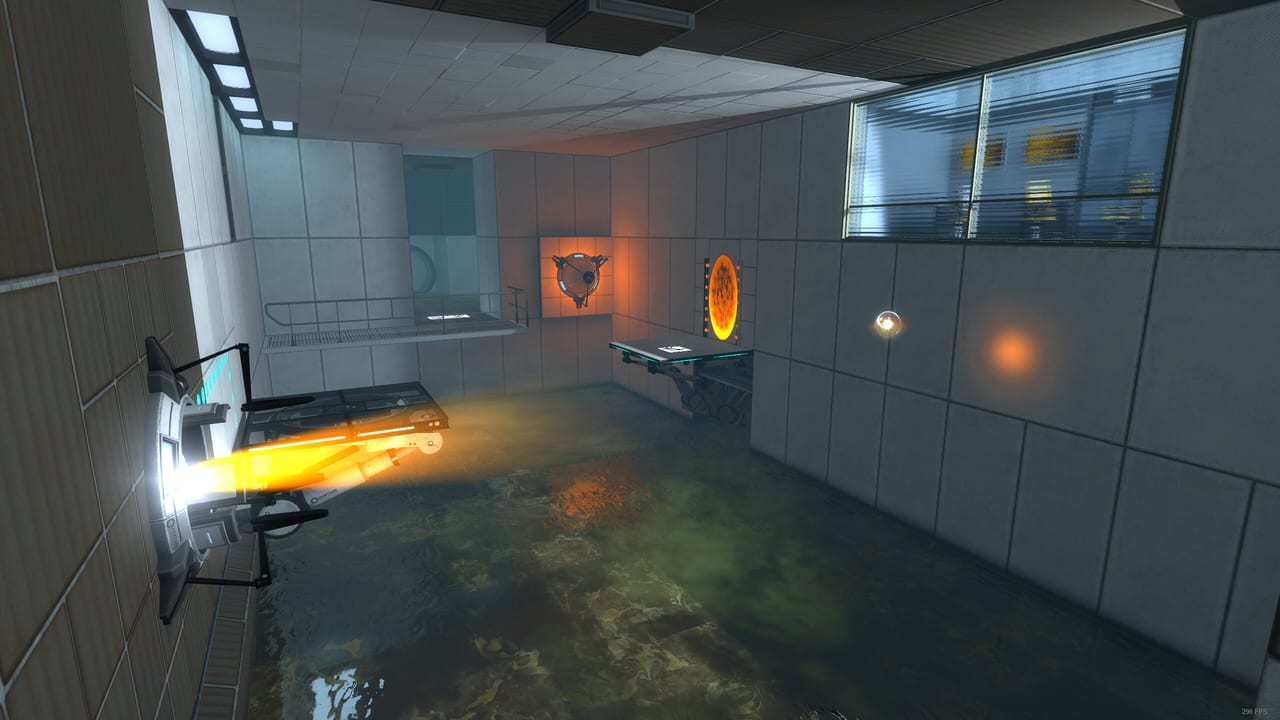
A launch-day Steam thread asked, in Spanish, how to change the subtitle and voice language in Portal: Alive & Kicking. That question is the whole market for this page. The remake’s store table listed English for interface, full audio, and subtitles. Portal 2, which you must own, speaks many more languages. Those two facts fight each other in the options menu.
This wiki itself is written in English, French, German, and Spanish because testers clearly want those languages even when the mod’s recorded voice does not. Changing the wiki language in the header does not change GLaDOS in your headphones.
What Steam says the game ships
On the store page, the language matrix showed English ticked for interface, audio, and subtitles. There was no “see all 27 languages” expander the way original Portal has. Treat 1.0 as an English production with captions available as an accessibility feature, not as a fully localised Portal 2 clone.
Captions are listed under accessibility (subtitle options, save anytime). Turn them on even if you speak English. GLaDOS is the tutorial. The how to play page assumes you can read her insults as instructions.
In-game options
Boot the remake (after the same-drive install works) and open Options.
- Audio: look for caption / subtitle toggles first. Voice language may be greyed out or absent if only English banks shipped.
- Keyboard / controller: language-independent. Binds are on controls.
- Steam overlay: the overlay follows Steam’s language, not the mod’s. That can make it look like the game is French when GLaDOS is still English.
If there is no voice dropdown, you are not missing a hidden menu. The English-only store row is the answer.
Can Portal 2’s languages leak in?
Sometimes Source mods inherit UI tokens from the base game. That is not a promise. If you set Steam’s language for Portal 2 to French and then launch Alive & Kicking, you might see mixed strings: English GLaDOS, French pause menu, or the reverse. Mixed language is a bug, not a feature. To reset:
- Set Steam → Portal 2 → Properties → Language back to English.
- Set Alive & Kicking’s own properties language, if Steam exposes one, to English.
- Verify files on both apps.
- Avoid
-languagelaunch flags until the mod team documents them. Random Source flags are how people get untranslated%stokens in HUDs.
Do not copy Portal 1 language packs into the remake folder. You will fight the troubleshooting leftover-mod warning and still hear English cores.
Captions as a play aid
Even with English audio, captions help:
- Hearing the grill warning while you are looking at a cube.
- Reading pellet cues when the new soundtrack is loud.
- Playing on a Deck with the volume down, assuming you already survived the Steam Deck boot.
If captions are in English and you want another language, the honest 1.0 answer is: they may not exist yet. Check release notes after patches. The developers promised continued updates; a subtitle pack is possible, not announced.
This wiki versus the game
Use the language button in the site header to read guides in French, German, or Spanish. Links stay inside that language except for the legal pages, which are English-only. Game terms stay in English when they are UI labels (GLaDOS, Weighted Storage Cube, emancipation grill) because that is what the HUD will print.
If a guide sentence and the game disagree, the game wins. The remake can rename a chamber in a patch; known issues will note it.
Practical recommendation
Play 1.0 in English audio with captions on. Use this wiki in your preferred language. Do not spend an evening stuffing Portal 2’s resource/closecaption_*.dat files into the remake. That path breaks more menus than it translates, and it will not add a second player either — the campaign is still single-player, in every language.
When official extra languages ship, they will be a Steam language tick, not a community zip. Until then, GLaDOS talks like 2007, and that was the point of the project.
Frequently Asked Questions
Quick answers for testers stuck in Aperture.
Is the game fully translated?
Steam listed English for interface, audio, and subtitles at launch. Extra languages are not promised on the store row.
How do I turn on subtitles?
Open Options after a successful boot and enable captions / subtitle options. Steam lists them as an accessibility feature.
Will changing Steam's language change GLaDOS?
Not reliably. Voice banks appear to be English. You may only change overlay or leftover Portal 2 UI strings.
Does the wiki language change the game?
No. The header switch only changes this site. The remake is a separate install.